Support and privacy requests
Email support@bit-universe.net. Include Learn to Ping Pong, the game version from Settings → Help, your headset model and what happened. For privacy requests about online service data, include the online player ID shown in Settings → Help → Privacy and support after using an online room, if available. Never send passwords or login tokens.
Private beta
The initial private beta includes offline solo lessons, practice, challenges, AI matches and local turns. Online rooms are being prepared separately. Beta participation is for ages 13 and older; this is a test release and progress may change between versions.
Resetting the play area
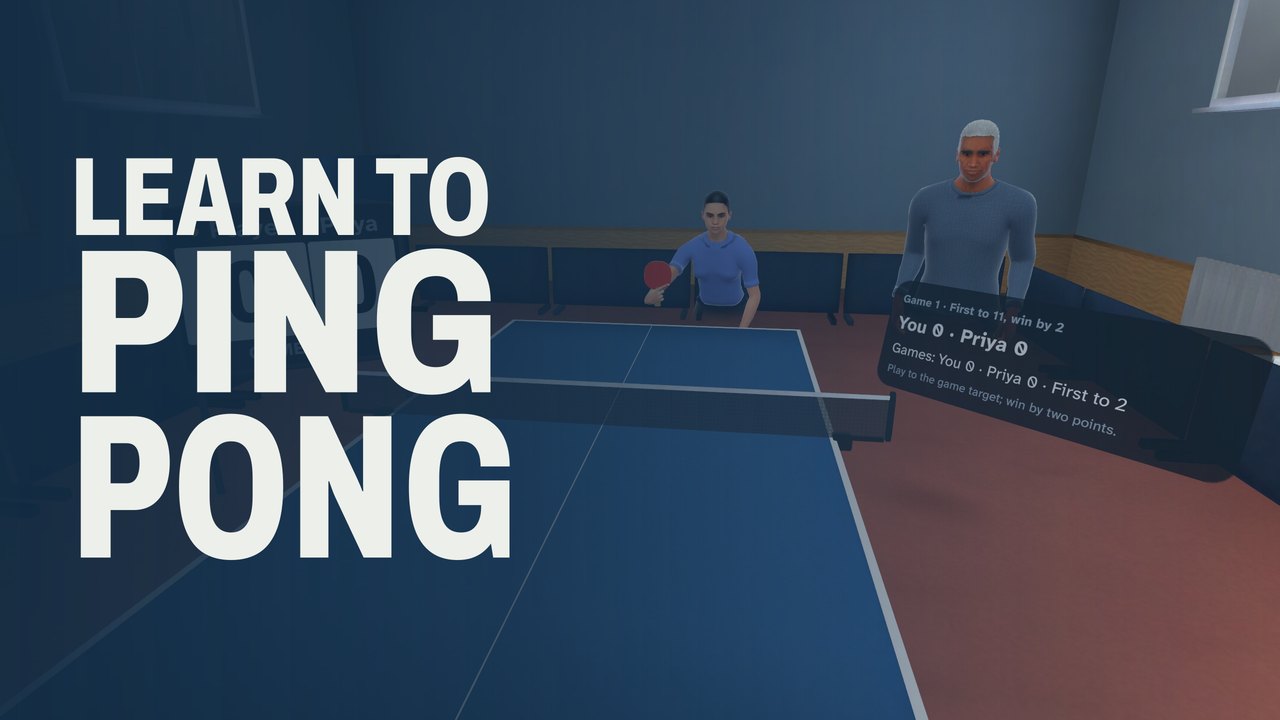
Use Settings → Space or the pause menu's space controls to position the table. Clear nearby objects and keep people and pets outside your swing area. Stop if you feel discomfort.
Deleting data
Clearing app storage removes local saves and settings. Uninstalling does not request deletion of Unity service records or platform backups. Anyone can request data deletion at the email above without a fee. See the game-specific privacy policy for details.
The Bit Universe city-builder policy covers a different game.